Do LinkedIn Verified Work Badges Improve Outreach? (2026)
Should your outreach profiles have LinkedIn work verification badges? Understand when badges help (and when they don't) before you prioritize them.
If you do LinkedIn outreach at any meaningful volume, you've probably noticed the small shield icon on some profiles. That's LinkedIn's verification badge, and depending on what's behind it, it means very different things for your outreach strategy.
What Is a LinkedIn Work Badge
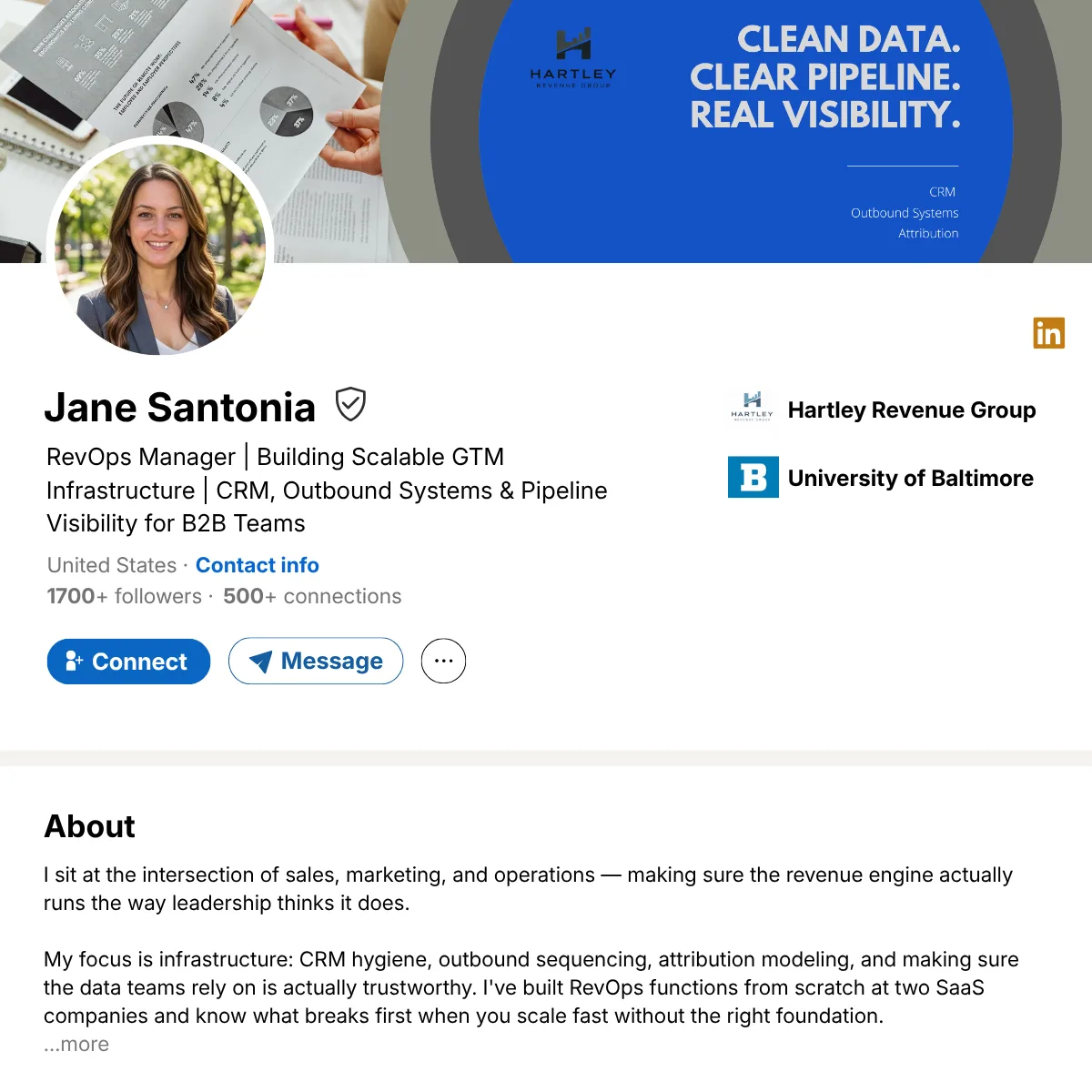
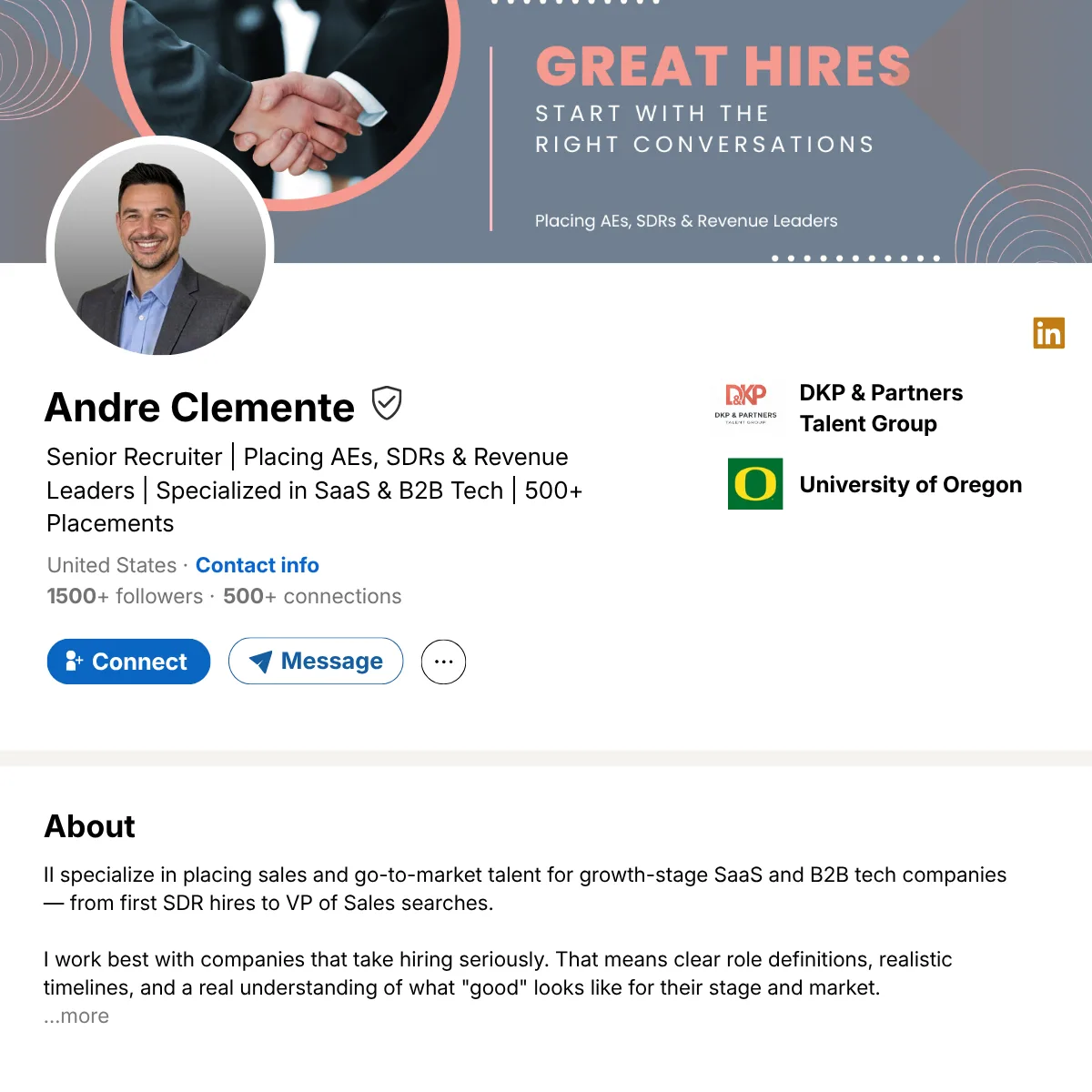
The shield icon is part of LinkedIn's broader verification system. It can reflect identity verification (government ID via CLEAR or Persona), workplace verification (work email, Microsoft Entra, or a LinkedIn Learning license), or company Page verification. The icon looks the same in every case; clicking it reveals which type is active.
For outreach, that distinction is critical. Identity verification discloses the issuing country of the government ID, which creates a geographic credibility problem we cover in detail here: LinkedIn Verified Profiles for Outreach: When the Badge Reveals More Than You Want.
A work badge tied to a verified company Page carries none of that risk. It simply signals that LinkedIn has recognized the company the profile lists as its employer as a legitimate business. No geographic information is disclosed, so there's no credibility risk.
Why It Matters for Outreach Profiles
Profile fundamentals drive outreach performance. Name familiarity, geographic alignment, connection count, and profile completeness are what determine whether a prospect accepts a request or responds to a message. A work badge doesn't change that order of priority.
What it does is compound an already strong foundation. A profile with a familiar name, 500+ US-based connections, complete work history and a verified company badge presents the most complete trust picture LinkedIn's system allows. That order of priority is why every LINKEDSDR rep starts with the fundamentals: a real, US-based person with a 1+ year established profile and 500+ connections.
| Profile element | Impact on outreach performance |
|---|---|
| Name familiarity and cultural alignment | Very high |
| Geographic consistency | Very high |
| Connection count 500+ | High |
| Profile completeness | High |
| Work badge from verified company page | Moderate Compounds existing signals |
| Personal identity verification | Low to neutral Geographic disclosure risk |
Compounds existing signals
Geographic disclosure risk
How LinkedIn Company Page Verification Works
LinkedIn's Page verification confirms that a Company Page represents a real, active business. Once approved, the badge appears on the Page and on profiles of anyone listing that company as their current employer.
Eligibility is based on signals LinkedIn doesn't fully publish: meaningful Page engagement, consistent posting activity, and in some cases a commercial relationship with LinkedIn such as running Ads or posting Jobs. A super admin starts the verification process from your Page's Settings panel.
Timeline is the catch. Some Pages are approved within a few weeks. Others wait months with no response. There is no published SLA and no way to expedite it. Start the process early and treat approval as a bonus rather than a dependency.
How to Apply It to Your Outreach
If your company Page is already verified, there's nothing to set up: any profile that lists your company as its current employer surfaces the badge automatically. No profile-level configuration is needed.
If your Page isn't verified yet:
- Confirm super admin access to your Page
- Go to Page Settings and look for verification controls
- Submit your request with business and domain details
- Wait for LinkedIn's review
Not every Page gets approved. In the meantime, consistent Page activity (regular posting, complete information, follower engagement) strengthens your eligibility signals.
FAQ
Is the work badge the same as identity verification?
No. Identity verification confirms a government ID match and discloses the issuing country. A work badge is tied to your company Page verification and reveals no personal geographic information.
How long does LinkedIn Page verification take?
There is no fixed timeline. Some Pages are approved in weeks, others wait significantly longer. LinkedIn controls the process entirely.
Can a work badge hurt outreach the way identity verification can?
No. Clicking a work badge shows that the company Page is verified. It reveals nothing about where the profile holder is located or where any ID was issued.
Does having a work badge improve connection acceptance rates?
It can contribute positively when stacked on top of strong profile fundamentals. On its own, it doesn't compensate for weak name recognition, low connection counts, or thin profile content. No badge raises the sending ceiling, which is scored per profile on acceptance and activity.
What if my company Page doesn't qualify yet?
Focus on building Page activity: regular posting, complete Page information, follower engagement. These are the signals LinkedIn evaluates for eligibility, and they strengthen the Page whether or not verification comes through.
Should I build my outreach strategy around getting this badge?
No. Start the application early if it's on your roadmap, but don't make it a dependency. The fundamentals come first; the badge is a compounding signal on top of an already solid foundation.