Best LinkedIn Automation Tools for Outreach (2026)
Best LinkedIn automation tools in 2026 reviewed: HeyReach, Expandi, Lemlist, and more — ranked by use case, agency suitability, and budget.
Scaling LinkedIn outreach without risking your account comes down to two things: the right automation tool and smart execution. The best tools mimic human behavior, respect LinkedIn's limits, and help you book meetings—not bans.
Here's the reality most vendors won't tell you: even the best automation tool hits per-account limits. LinkedIn caps connection requests around 100/week and messages at roughly 150/week per profile. Agencies and sales teams that need serious volume distribute their outreach across multiple LinkedIn accounts—turning 100 weekly requests into 1,000+ when running 10 profiles in parallel.
This guide reviews the 20 most highly-reviewed LinkedIn automation tools in 2026, organized by category so you can find exactly what you need—whether that's budget-friendly automation, multi-account management for agencies, or powerful data extraction.
Compare the top 20 LinkedIn automation tools for 2026. Actual G2/Capterra ratings (as of November 2025), safety features, pricing, and which tools agencies trust for scale.
What is LinkedIn Automation?
LinkedIn automation uses software to handle repetitive prospecting tasks—sending connection requests, following up with messages, endorsing skills, visiting profiles, and managing your outreach pipeline. The goal is simple: free up hours each week so you can focus on conversations that actually close deals.
The best automation tools mimic human behavior with randomized delays, varied actions, and cloud-based execution that keeps your account safe. They automate the grunt work while you handle relationship-building.
Key benefits:
- Save 10-15 hours per week on manual outreach
- Reach 5-10x more prospects without adding headcount
- Maintain consistent follow-up sequences automatically
- Track campaign performance with detailed analytics
Safety considerations:
LinkedIn actively monitors for automation. Tools that use browser extensions, send too many requests too fast, or lack proper delays can trigger account restrictions. Cloud-based tools with dedicated IPs and human-like behavior are significantly safer than desktop-based alternatives.
Cloud-Based vs. Browser-Based Tools: Which is Safer?
Cloud-based tools run on remote servers, so your campaigns continue 24/7 even when your computer is off. They typically include dedicated IPs, advanced safety features, and don't require browser extensions that LinkedIn can easily detect. Most agencies and serious sales teams use cloud-based tools.
Browser-based tools (Chrome extensions or desktop apps) are often cheaper but require your computer to stay on and your browser open. They're easier for LinkedIn to detect since they operate directly in your browser. Best for solo users testing automation on a budget.
Bottom line: If you're running multiple accounts or scaling an agency, cloud-based is non-negotiable. For individual users automating a single profile, budget-friendly browser tools can work—just stay conservative with daily limits.
Category 1: Best All-Around LinkedIn Automation Tools
These tools offer the most complete feature sets for LinkedIn outreach—connection requests, messaging sequences, CRM integrations, analytics, and safety features that keep your account protected.
1. HeyReach
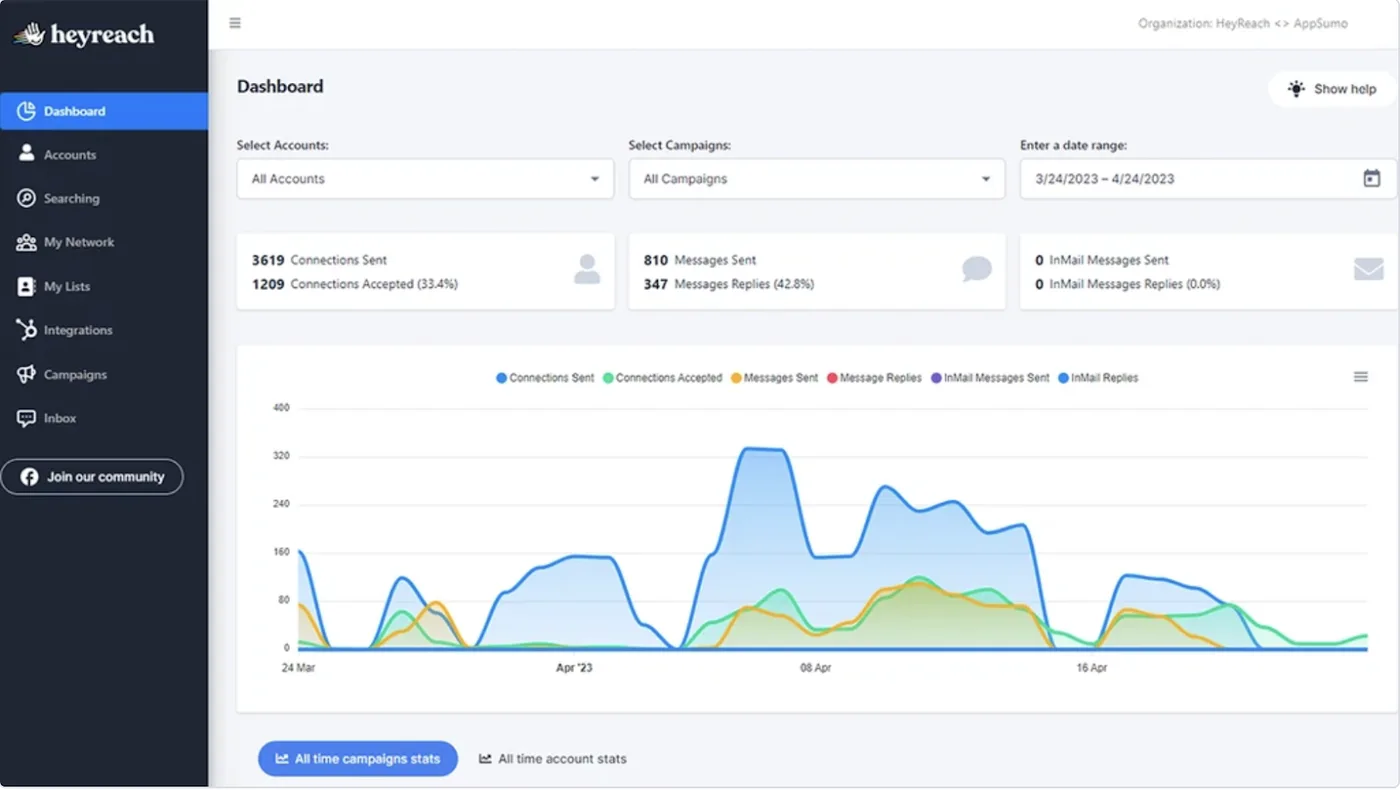
4.8/5 on G2 | "HeyReach's multi-account management is unmatched. We run 20 profiles safely from one dashboard."
Key Features:
- Multi-account management with unified inbox
- Smart sequences with A/B testing
- Team collaboration and white-label options
- Cloud-based with dedicated proxies
Who it's for: Agencies and sales teams managing multiple LinkedIn accounts who need centralized control and advanced safety features.
Pricing: Starting at $79/month per seat
Bottom line: HeyReach dominates the multi-account space with the cleanest interface and best team features. If you're running 3+ LinkedIn profiles, this is your tool.
2. Expandi
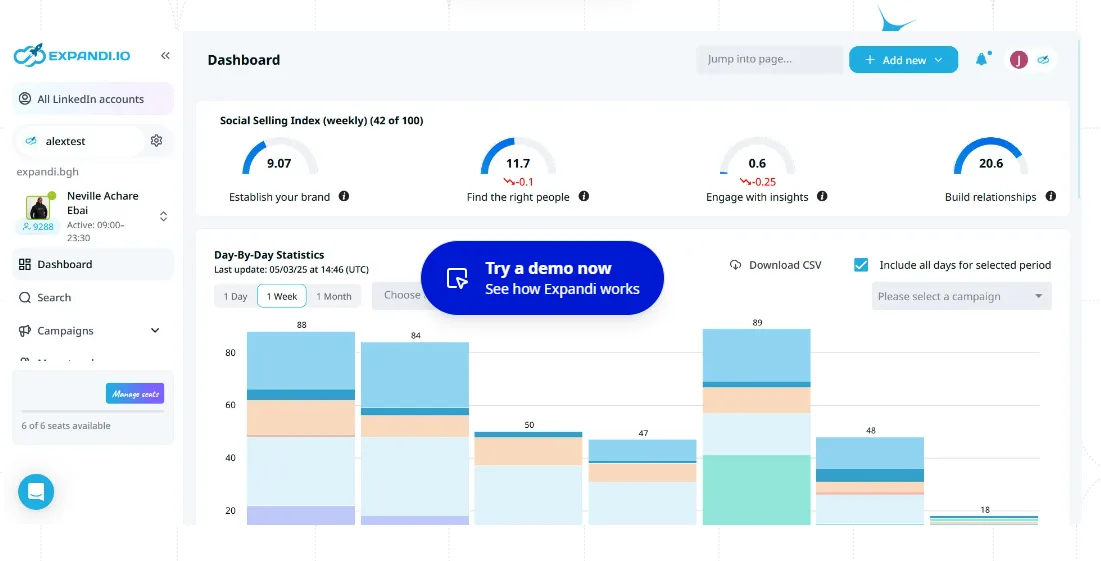
4.2/5 on G2 | "Powerful automation but had billing issues and occasional account restrictions despite following limits."
Key Features:
- Cloud-based automation with dedicated IP
- Dynamic personalization with images/GIFs
- Sales Navigator integration
- Campaign analytics and A/B testing
Who it's for: Individual reps and small teams who want powerful personalization features and don't mind troubleshooting occasional issues.
Pricing: Starting at $99/month per seat
Bottom line: Expandi offers robust features and good personalization, but some users report billing surprises and account safety concerns even when following daily limits.
3. Lemlist
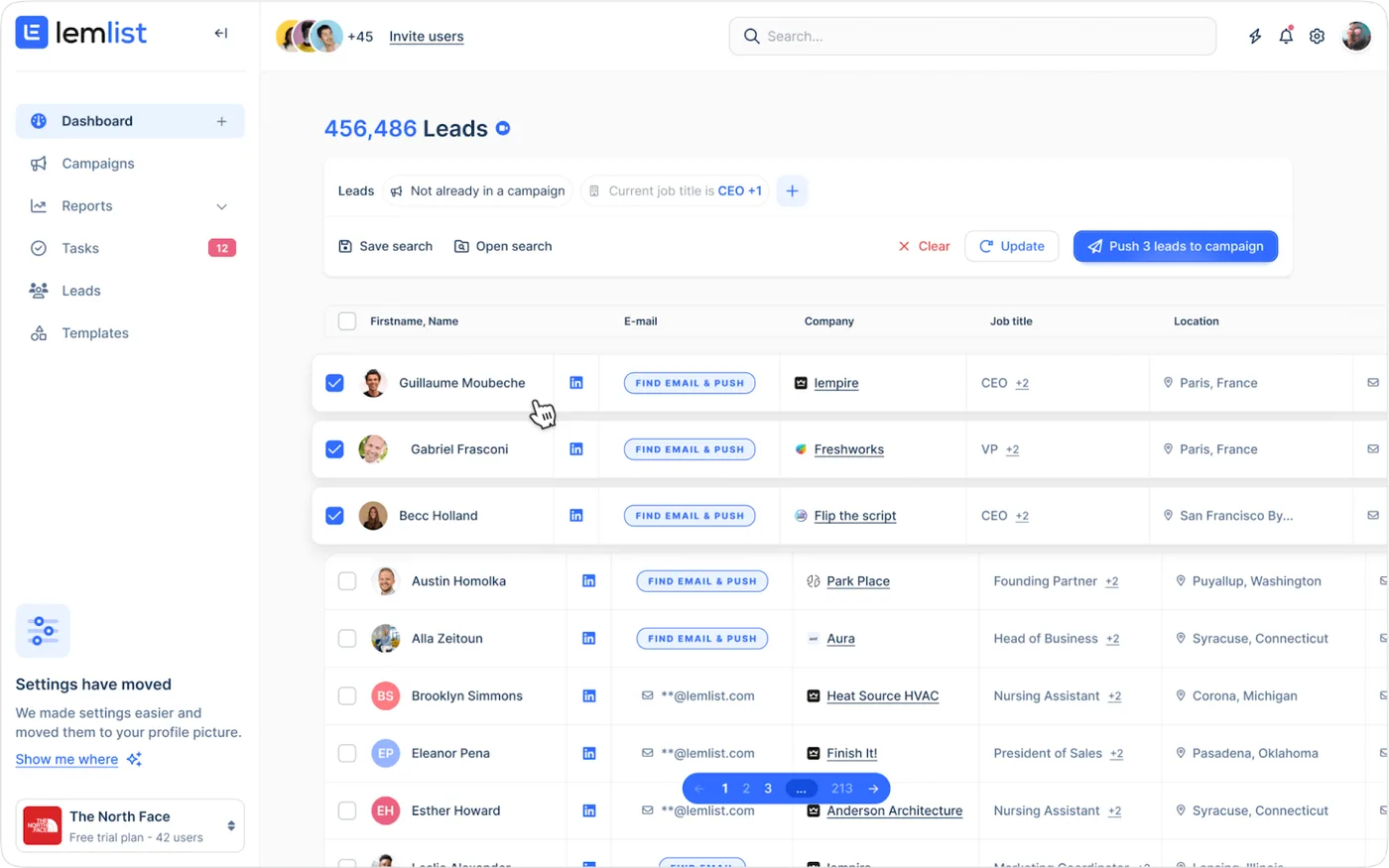
4.4/5 on G2, 4.6/5 on Capterra | "Best for multi-channel outreach combining LinkedIn and email in one sequence."
Key Features:
- Multi-channel sequences (LinkedIn + email + phone)
- Email warm-up and verification built-in
- Dynamic image and video personalization
- Native CRM integrations
Who it's for: Sales teams running coordinated campaigns across LinkedIn, email, and other channels who need one platform for everything.
Pricing: Starting at $59/month per user
Bottom line: Lemlist excels when you need to combine LinkedIn outreach with email campaigns. The email deliverability tools alone make it worth considering.
4. Skylead
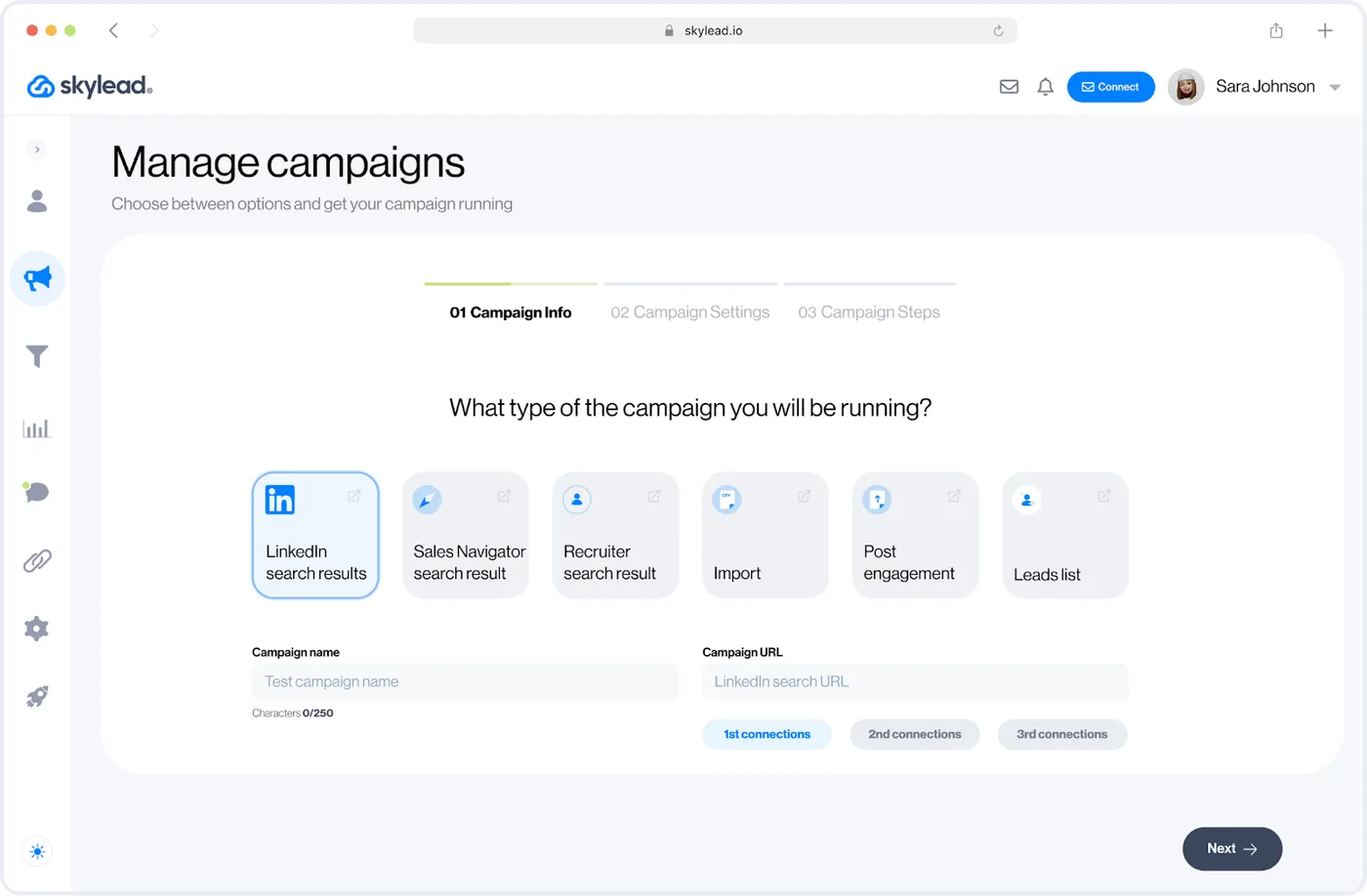
4.5/5 on G2, 4.8/5 on Capterra | "Smart sequences are incredibly flexible. Built complex workflows we couldn't create elsewhere."
Key Features:
- Smart sequences with conditional logic
- Email discovery and double-verification
- Image and GIF personalization
- Unlimited email accounts included
Who it's for: Sales teams and agencies that need sophisticated multi-channel sequences with advanced if/then logic.
Pricing: Starting at $100/month per account
Bottom line: Skylead's smart sequences let you build complex workflows that adapt based on prospect behavior. Great for teams that want full control over campaign logic.
5. Salesflow
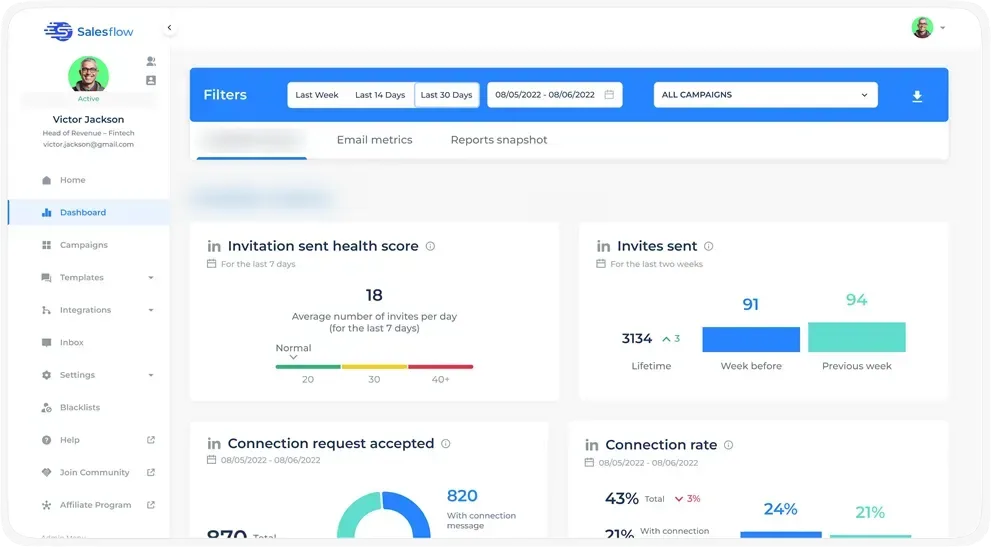
4.3/5 on G2, 4.1/5 on Capterra | "Solid automation and analytics, but interface can be clunky and some users report frequent bugs."
Key Features:
- Cloud-based LinkedIn + email automation
- Advanced Sales Navigator integration
- Built-in CRM and smart inbox
- Team management and reporting
Who it's for: Sales teams that need LinkedIn + email automation with detailed analytics, and can handle occasional technical hiccups.
Pricing: Starting at $99/month per user
Bottom line: Salesflow delivers on core automation features with strong Sales Navigator integration, but the user experience isn't as polished as competitors. Mixed reviews on reliability.
Category 2: Best Budget-Friendly LinkedIn Automation Tools
These tools offer solid automation features at lower price points—perfect for solo users, small teams, or anyone testing LinkedIn automation for the first time.
1. Dux-Soup
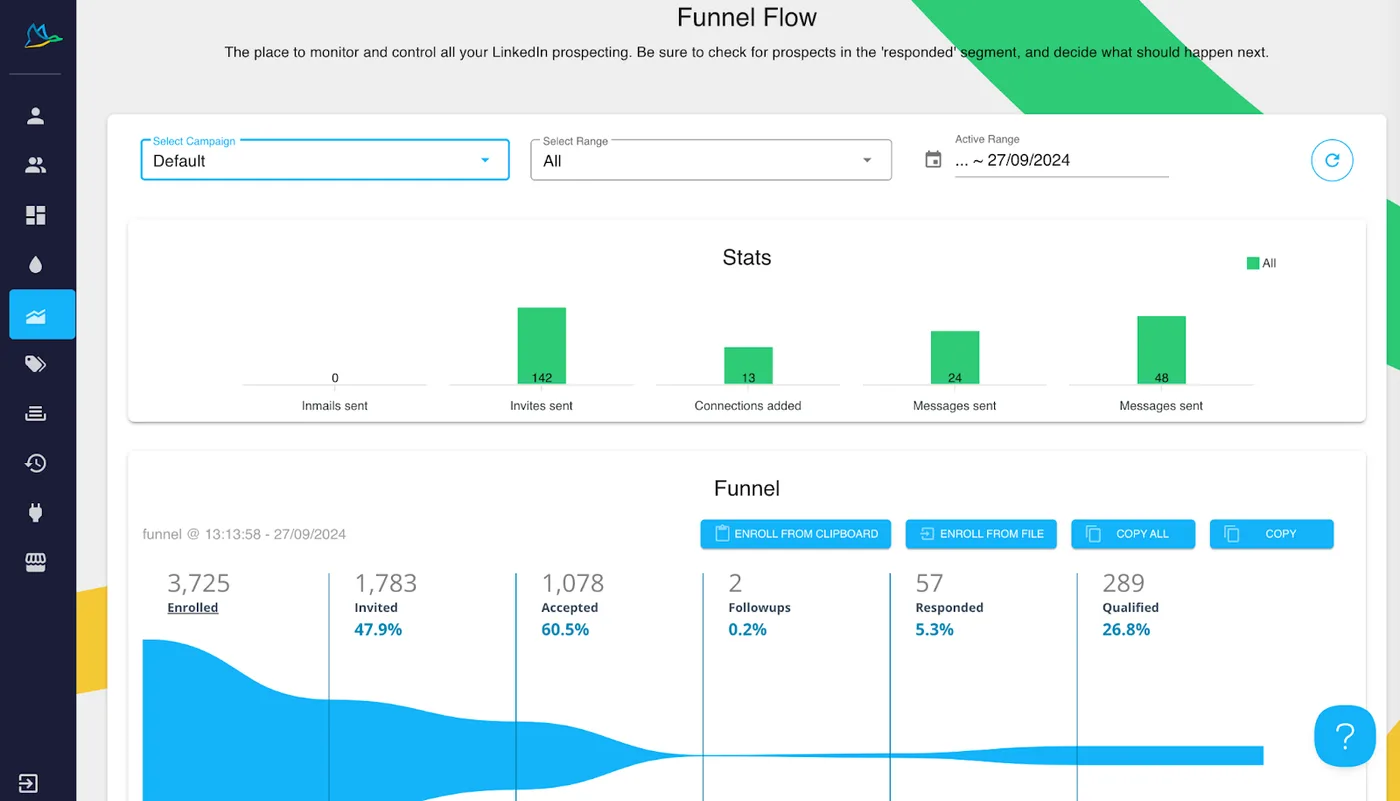
4.3/5 on G2, 4.0/5 on Capterra | "Affordable and gets the job done, but the interface feels dated and it's browser-dependent."
Key Features:
- Chrome extension for LinkedIn automation
- Drip campaigns with personalized messaging
- CRM integrations (HubSpot, Pipedrive, Salesforce)
- Auto-endorsements and profile visits
Who it's for: Individual users or small teams on a budget who don't mind keeping their browser open.
Pricing: Starting at $14.99/month
Bottom line: Dux-Soup offers great value for the price, but it's browser-based (requires your computer to stay on) and the interface could use modernization. Still, hard to beat at this price point.
2. LinkedHelper
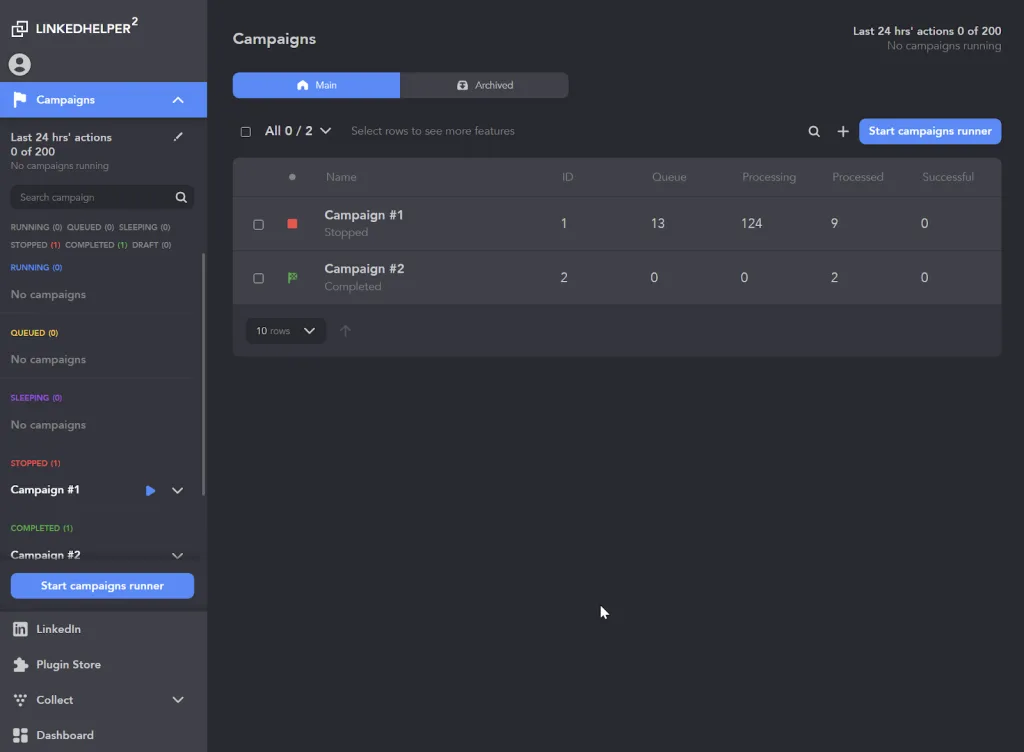
4.6/5 on G2 | "Powerful features and very affordable. Takes time to learn but delivers once you get the hang of it."
Key Features:
- Desktop app with robust automation
- Built-in CRM and message templates
- Email finder with credit system
- Advanced sequence customization
Who it's for: Technically-inclined users who want powerful features at budget pricing and don't mind a learning curve.
Pricing: Starting at $15/month
Bottom line: LinkedHelper packs serious functionality into an affordable package. The interface isn't intuitive, but once you master it, you get enterprise features at a fraction of the cost.
3. Octopus CRM
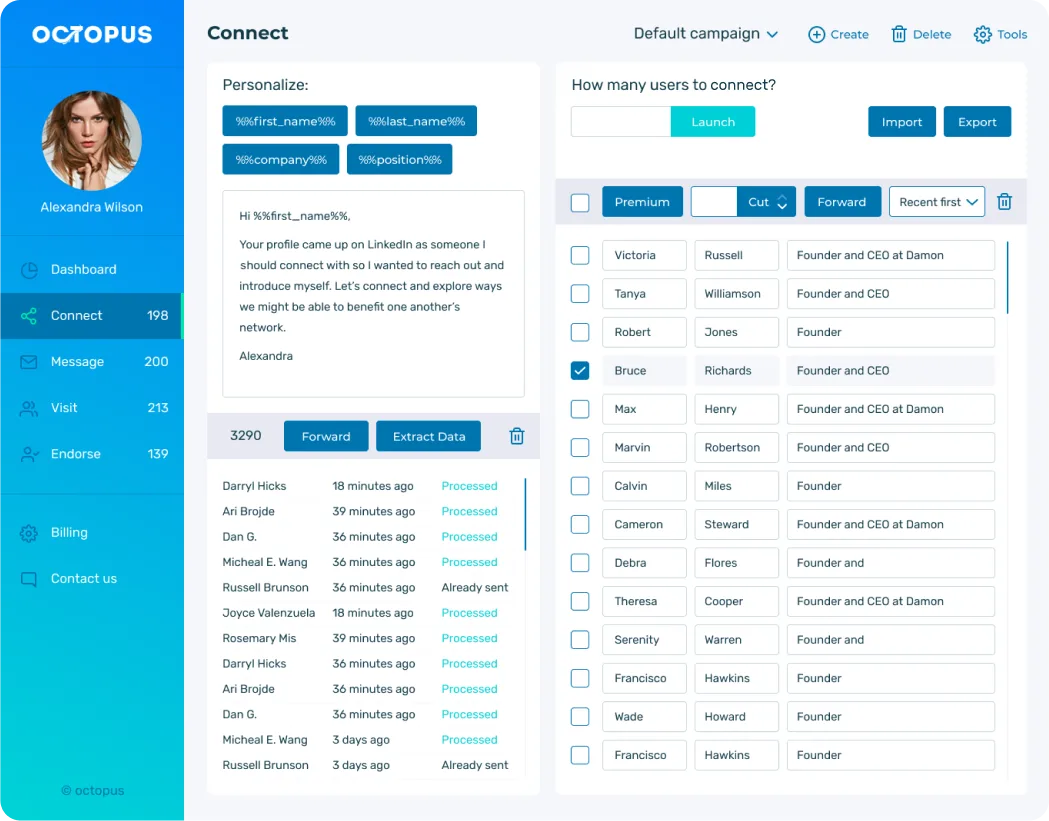
4.4/5 on G2, 4.6/5 on Capterra | "Simple, effective, and budget-friendly. Perfect for straightforward LinkedIn automation."
Key Features:
- Browser extension for basic automation
- Multi-step campaign funnels
- Auto-endorsements and profile visits
- HubSpot and Zapier integrations
Who it's for: Solo users and small teams who want simple, reliable automation without complexity.
Pricing: Starting at $9.99/month
Bottom line: Octopus CRM is the cheapest option that still delivers reliable results. Great for beginners or anyone who needs basic automation on a tight budget.
4. We-Connect
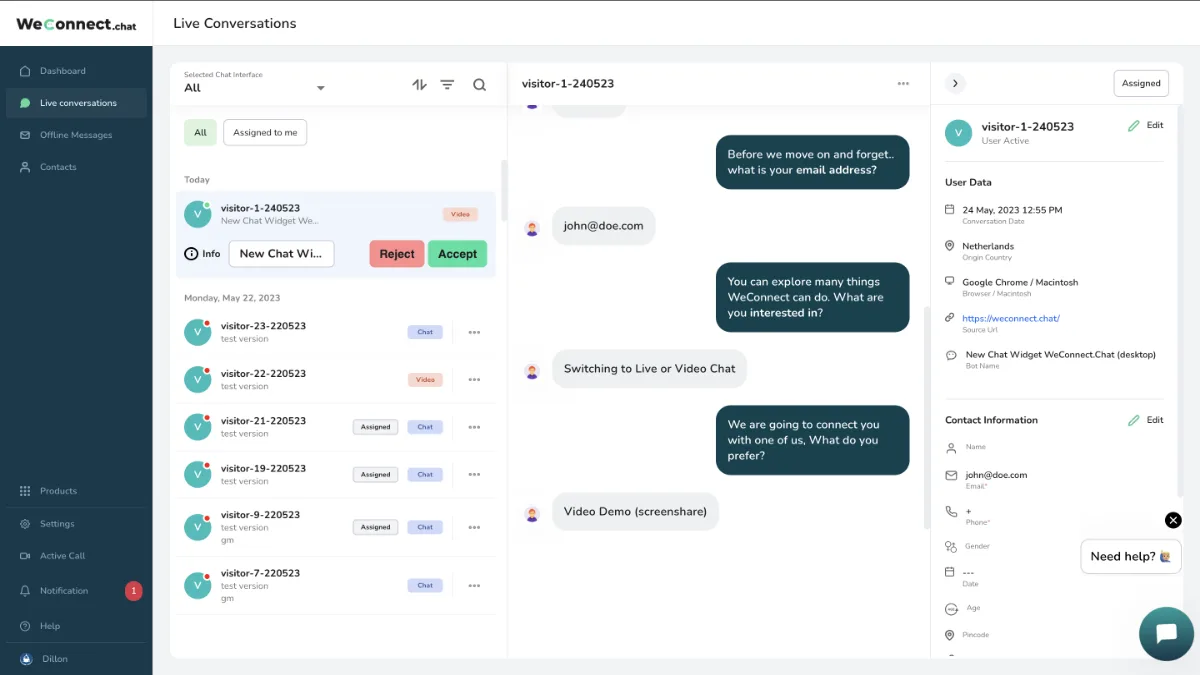
4.6/5 on G2, 4.7/5 on Capterra | "Cloud-based, safe, and easy to use. Customer support is fantastic."
Key Features:
- Cloud-based automation with dedicated IPs
- Connection requests and message sequences
- Smart inbox for managing replies
- Team collaboration features
Who it's for: Small to mid-sized teams who want cloud-based safety without enterprise pricing.
Pricing: Starting at $49/month
Bottom line: We-Connect balances affordability with cloud-based safety. Users consistently praise the customer support and account protection features.
5. Zopto
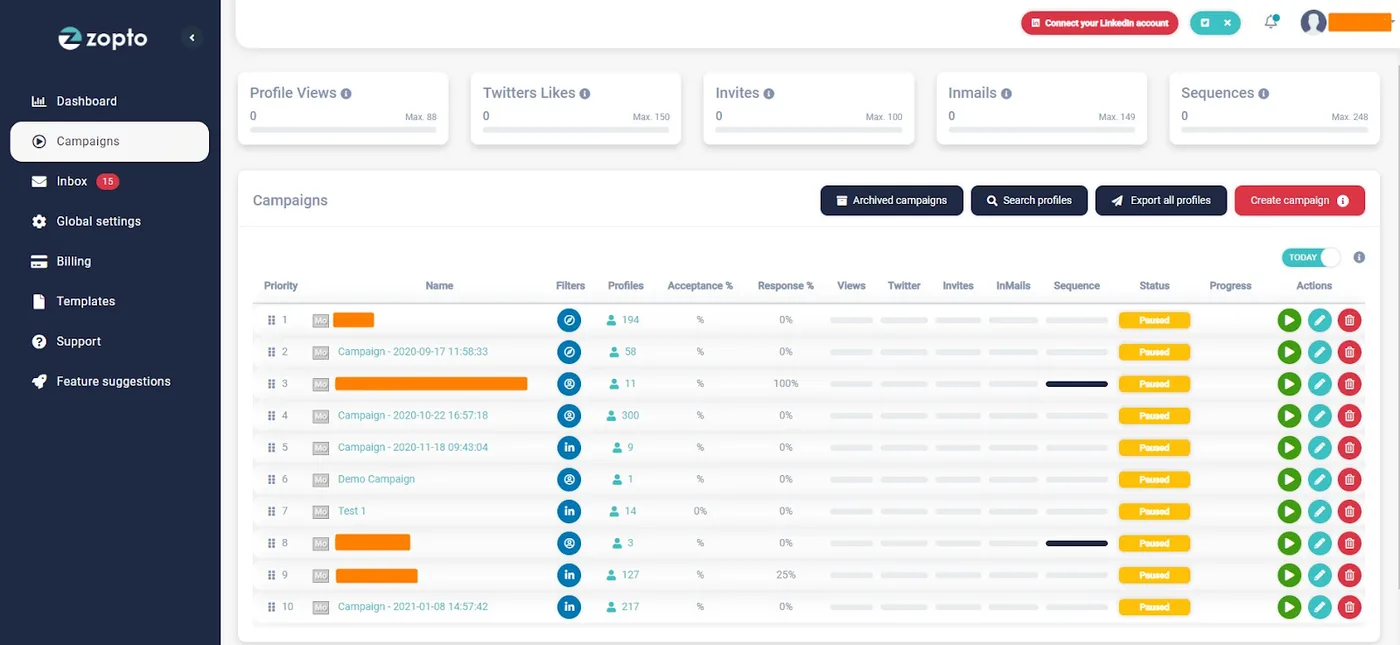
4.4/5 on G2, 4.3/5 on Capterra | "Feature-rich and effective, but pricing adds up quickly and some users report bugs."
Key Features:
- Cloud-based LinkedIn automation
- AI-powered campaign builder
- Multi-channel sequences (LinkedIn + email)
- Team management and analytics
Who it's for: Small businesses and entrepreneurs who need AI-assisted campaigns and can budget $200+/month.
Pricing: Starting at $197/month
Bottom line: Zopto sits between budget and premium tiers. Good feature set, but some users feel it's overpriced for what you get, especially with occasional technical issues.
Category 3: Best Multi-Account & Agency Tools
Agencies and sales teams running multiple LinkedIn profiles need tools built for scale—unified inboxes, team management, anti-duplicate features, and infrastructure that handles 10+ accounts without breaking a sweat.
1. HeyReach (Multi-Account Specialty)
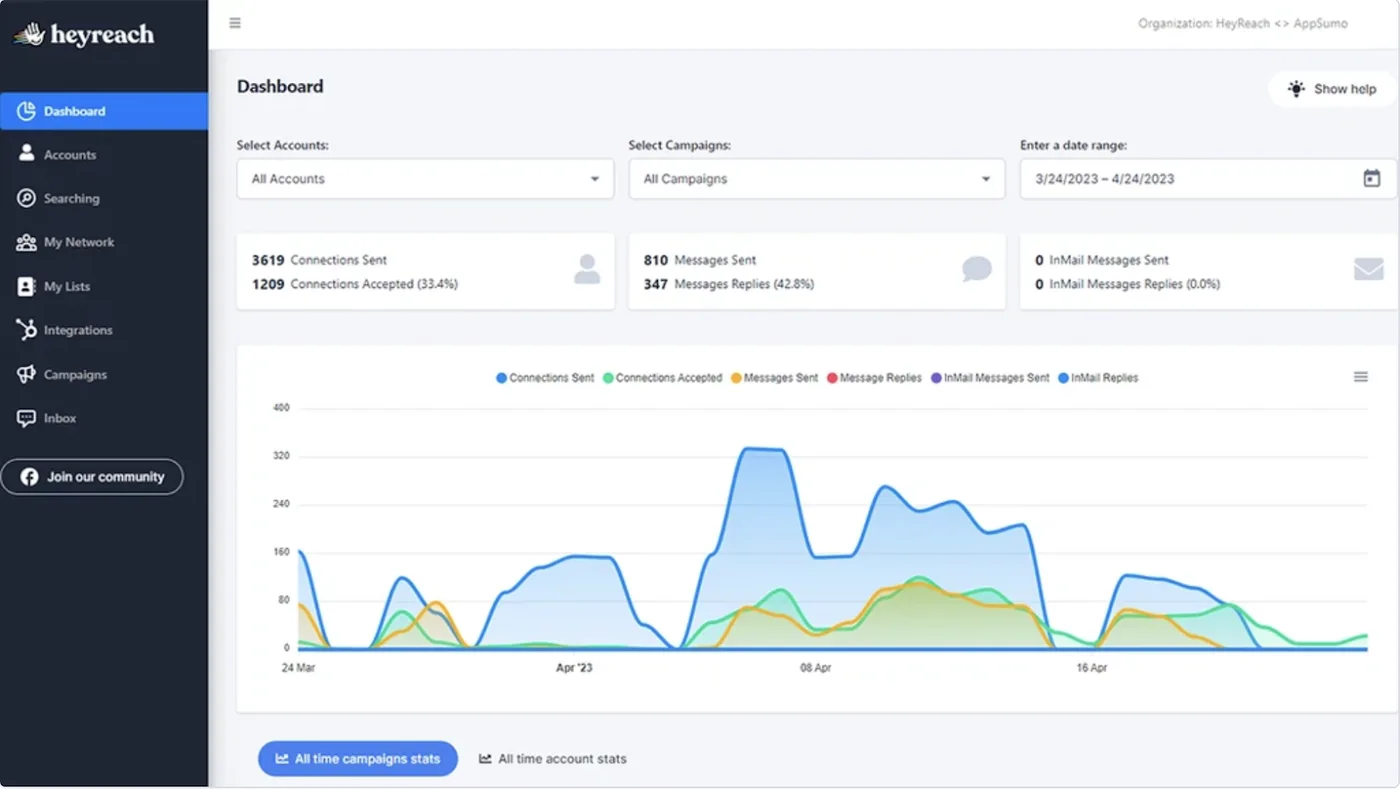
4.8/5 on G2, 5.0/5 on Capterra | "We manage 30+ LinkedIn profiles from one dashboard. Game-changer for agencies."
Key Features:
- Unlimited LinkedIn accounts per workspace
- Unified inbox across all profiles
- Anti-duplicate system (never contact same lead twice)
- White-label options for agencies
Who it's for: Agencies managing client LinkedIn accounts or internal teams running parallel outreach across multiple profiles.
Pricing: Custom pricing for agencies
Bottom line: HeyReach is purpose-built for multi-account management. If you're running an agency or need to scale beyond 5-10 profiles, nothing else comes close.
2. Waalaxy
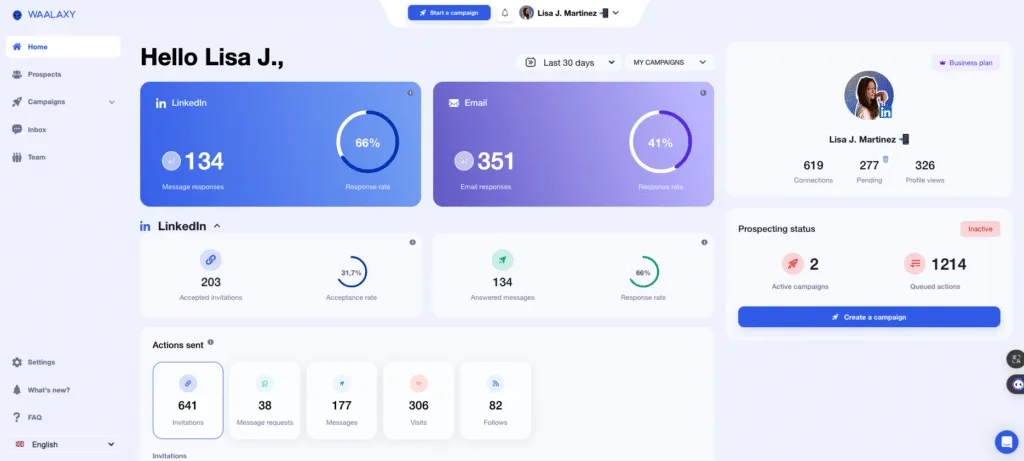
4.6/5 on G2, 4.4/5 on Capterra | "Multichannel sequences work great, but occasional bugs and price increases frustrate users."
Key Features:
- Multi-channel automation (LinkedIn + email)
- Email finder with DropContact integration
- Team workspace with shared campaigns
- CRM sync with 2,000+ apps via Zapier
Who it's for: Small agencies and teams who need affordable multi-account management with email automation.
Pricing: Starting at $80/month per user
Bottom line: Waalaxy offers solid multi-channel automation at reasonable pricing, but users report occasional technical issues and frustration with frequent price changes.
3. Dripify
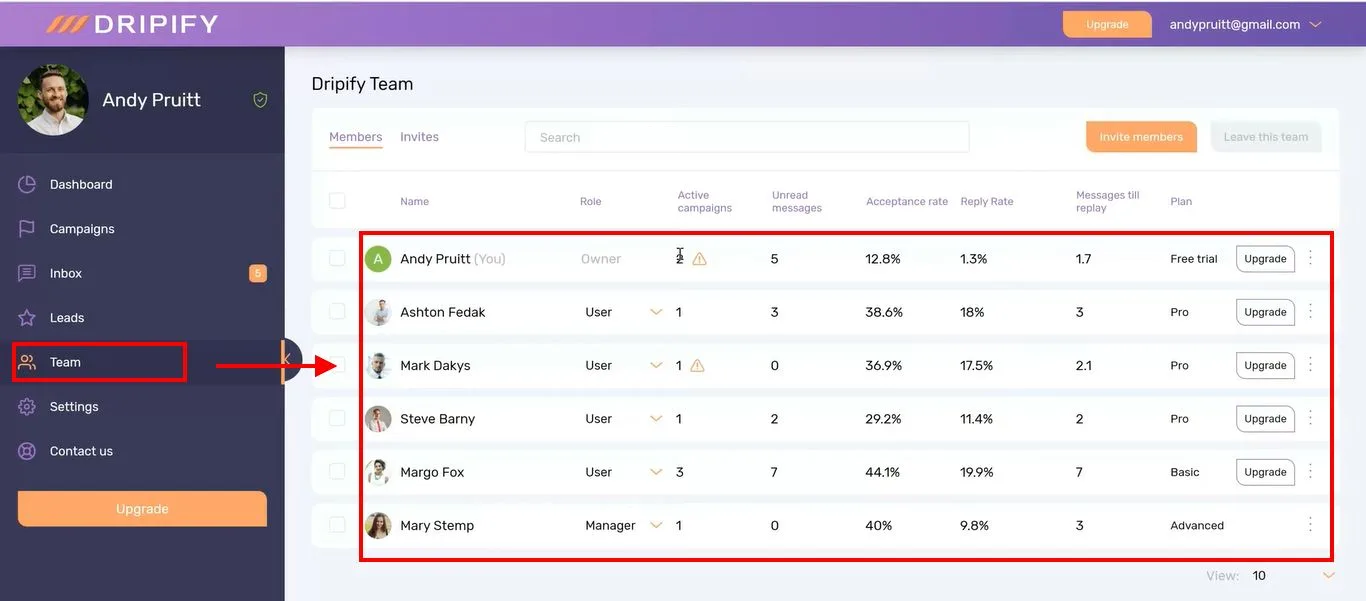
4.6/5 on G2, 4.7/5 on Capterra | "Visual workflows are intuitive. Great for teams managing complex campaigns."
Key Features:
- Cloud-based with visual campaign builder
- Team management and analytics
- Smart inbox and lead scoring
- Zapier integration for CRM sync
Who it's for: Sales teams and small agencies who want visual campaign building and team collaboration features.
Pricing: Starting at $39/month per user
Bottom line: Dripify delivers strong team features and campaign customization. The visual workflow builder makes it easy to design complex sequences without technical skills.
4. La Growth Machine
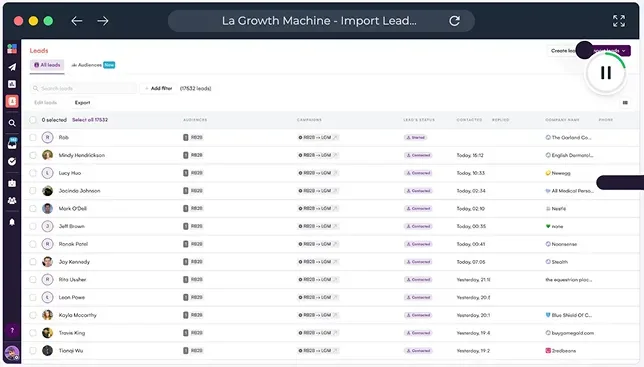
4.8/5 on G2, 4.9/5 on Capterra | "The most sophisticated multi-channel sequences on the market. Worth the premium price."
Key Features:
- Advanced multi-channel workflows (LinkedIn + email + Twitter)
- AI-powered message generation
- LinkedIn voice note automation
- Unlimited campaigns on higher tiers
Who it's for: Agencies and growth teams who need the most advanced multi-channel automation and can budget €180+/month per user.
Pricing: Starting at €60/month, most features require €180/month Ultimate plan
Bottom line: La Growth Machine offers the most sophisticated automation on this list. Excellent reviews, but essential features are locked behind the expensive Ultimate plan.
Category 4: Best Data Extraction & Scraping Tools
These tools focus on extracting contact data from LinkedIn, cleaning it, enriching it with verified emails, and exporting it to your CRM or outreach tool. Essential for building high-quality prospect lists.
1. Phantombuster
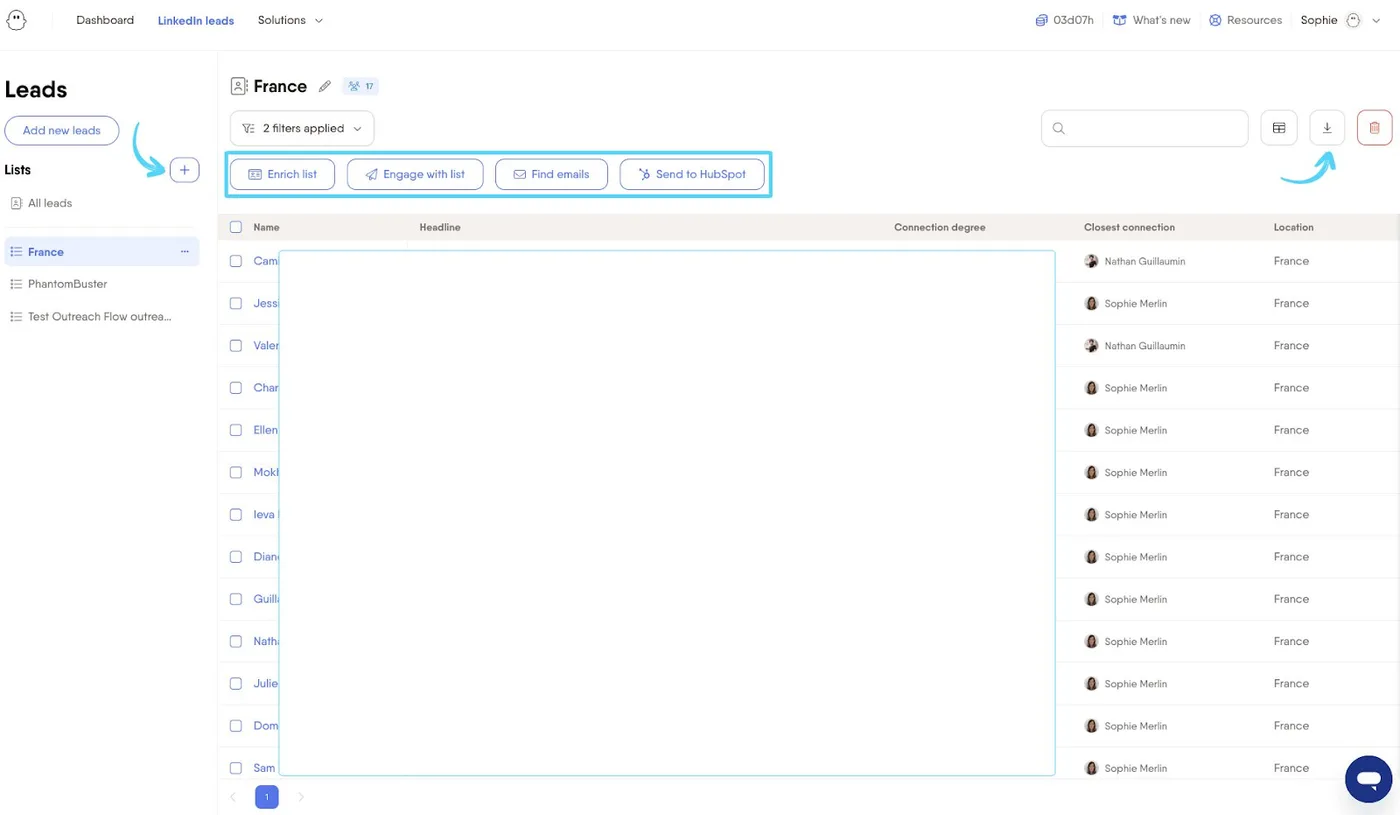
4.2/5 on G2, 4.5/5 on Capterra | "Incredibly versatile for data extraction across platforms. Learning curve is steep but worth it."
Key Features:
- 150+ pre-built automations ("Phantoms")
- Extract data from LinkedIn, Twitter, Instagram, Google Maps
- Workflow automation with chains
- Cloud-based with API access
Who it's for: Technical users and agencies who need flexible data extraction across multiple platforms, not just LinkedIn.
Pricing: Starting at $69/month
Bottom line: Phantombuster is powerful but complex. Best for technically-savvy teams who need custom workflows and multi-platform data extraction.
2. TexAu
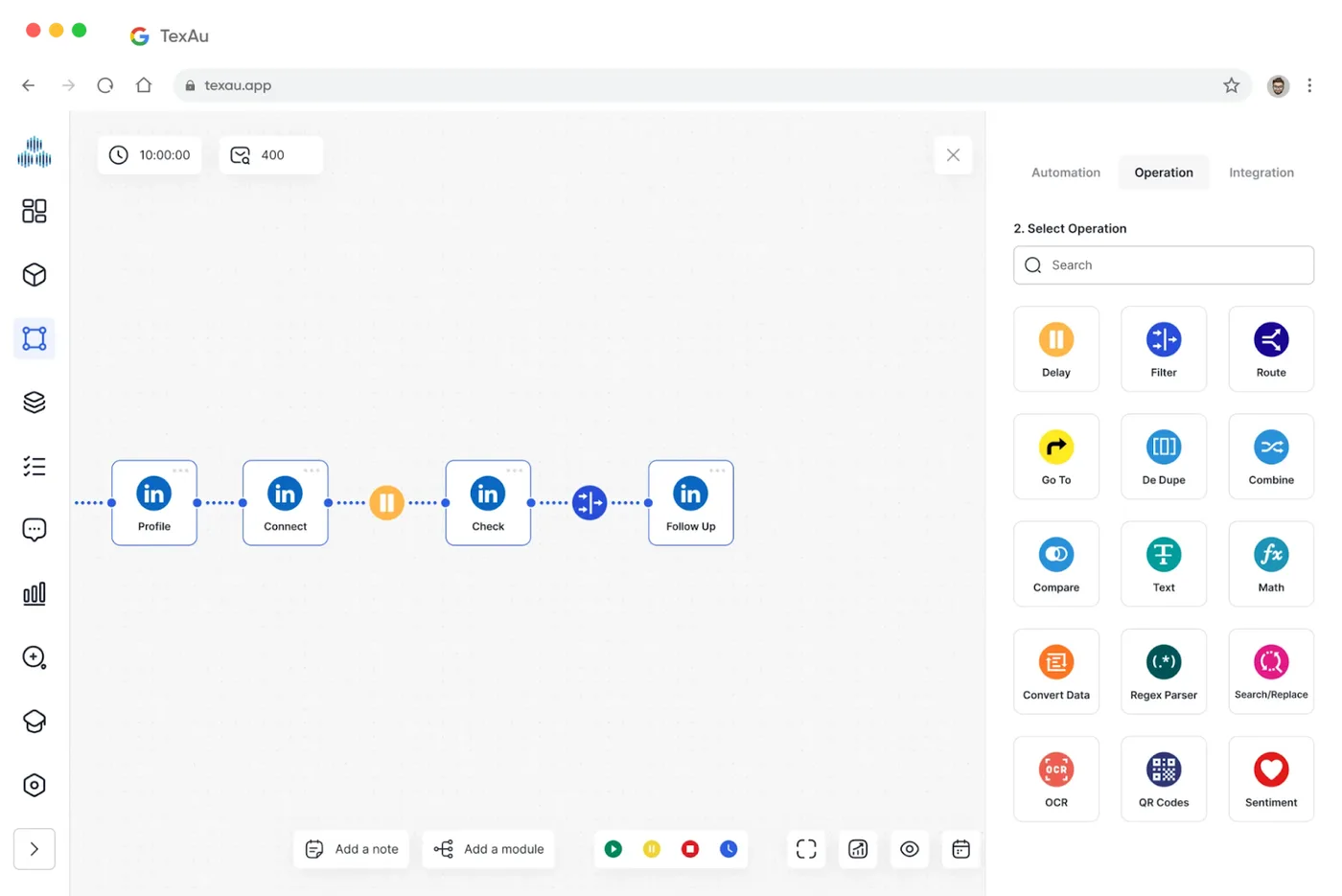
4.3/5 on G2, 4.0/5 on Capterra | "Massive automation library. Great for data at scale, but the learning curve is real."
Key Features:
- 180+ automations across 15+ platforms
- Drag-and-drop workflow builder
- Built-in CRM and data enrichment
- Cloud and desktop execution options
Who it's for: Power users and agencies who need extensive automation options and data extraction capabilities.
Pricing: Starting at $39/month
Bottom line: TexAu offers incredible breadth with 180+ automations, but it's complex. Expect to invest time learning the platform before you see results.
3. Evaboot
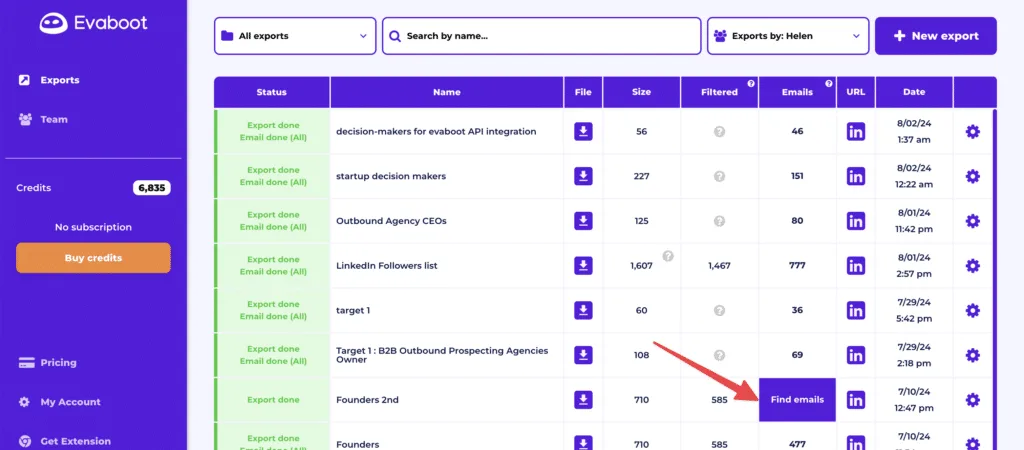
4.6/5 on G2, 4.6/5 on Capterra | "The cleanest Sales Navigator data extraction tool. Just works."
Key Features:
- One-click export from LinkedIn Sales Navigator
- Automatic data cleaning (removes emojis, fixes formatting)
- Email verification and enrichment
- Exports to CSV or direct CRM sync
Who it's for: Sales teams using Sales Navigator who need clean, verified contact data exported quickly.
Pricing: Starting at $29/month for 100 credits
Bottom line: Evaboot does one thing extremely well: extract and clean Sales Navigator data. If you're building prospect lists from Sales Navigator searches, this is the tool.
4. Snov.io
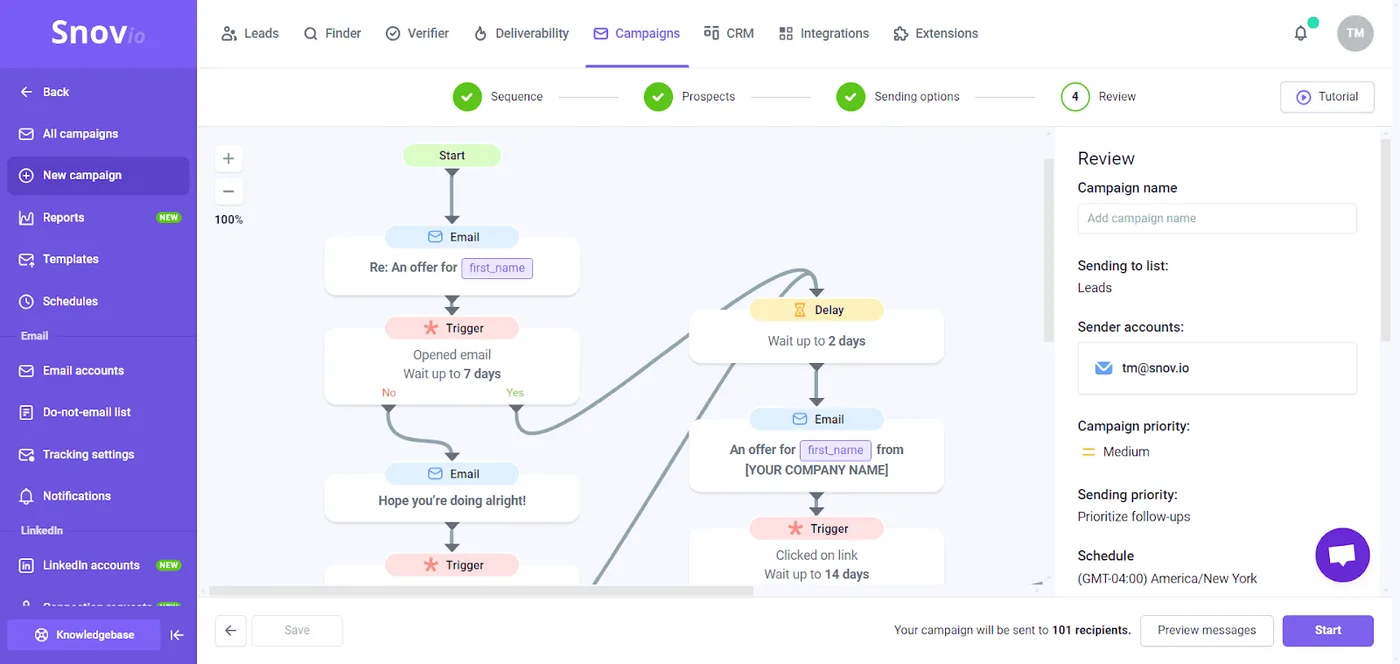
4.6/5 on G2, 4.5/5 on Capterra | "Best combination of email finding and LinkedIn automation in one platform."
Key Features:
- Email finder and verifier with high accuracy
- LinkedIn automation for outreach
- Drip email campaigns
- CRM integrations and API access
Who it's for: Sales teams who need both LinkedIn automation and powerful email finding in a single tool.
Pricing: Starting at $39/month
Bottom line: Snov.io combines data extraction with outreach automation. Great for teams that want one tool for finding emails and managing LinkedIn campaigns.
Category 5: Best Multi-Channel Outreach Tools
These tools excel at coordinating outreach across LinkedIn, email, phone, and other channels—ensuring your prospects hear from you wherever they're most responsive.
1. Lemlist (Multi-Channel Specialty)
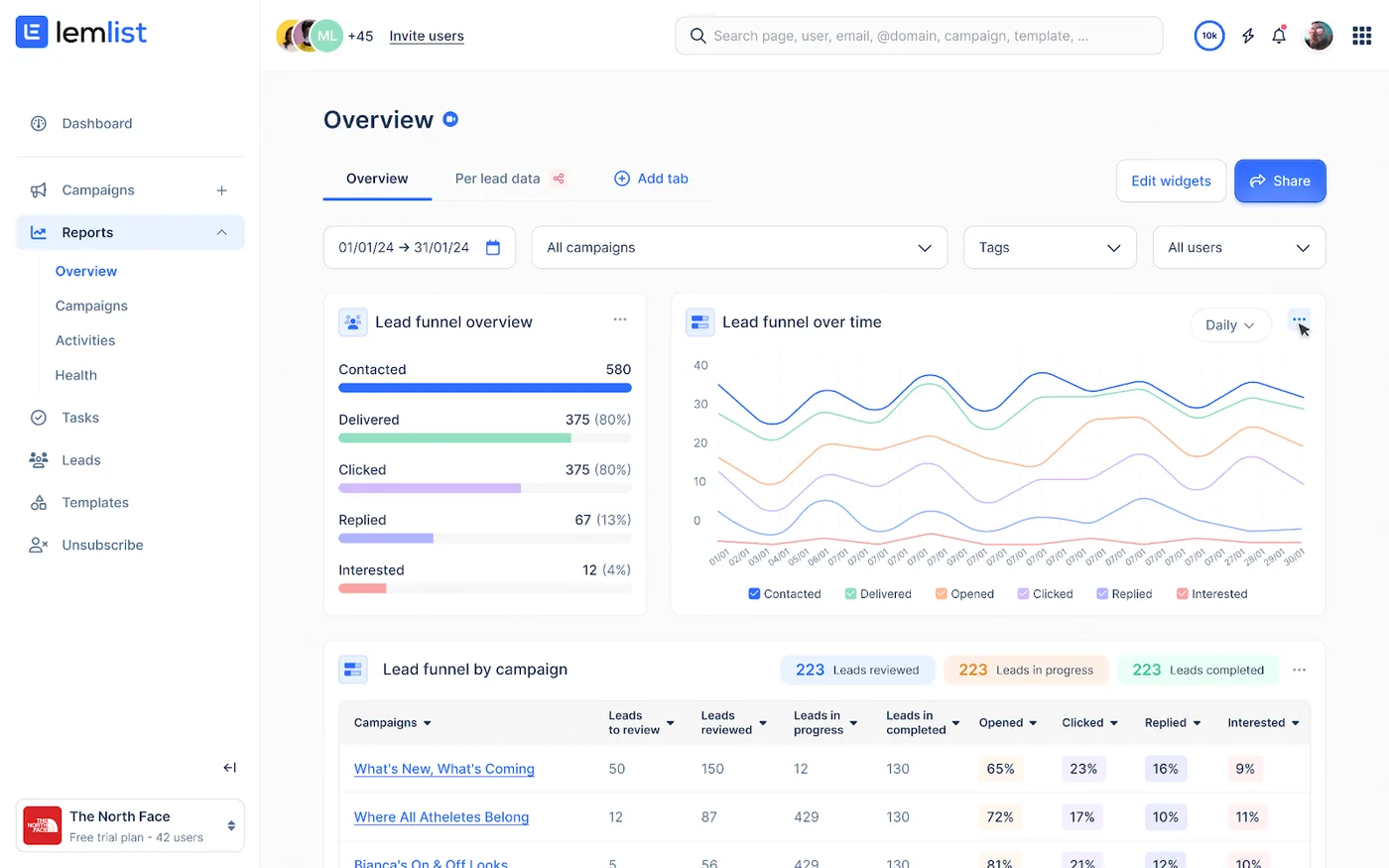
4.4/5 on G2, 4.6/5 on Capterra | "Email personalization is unmatched. LinkedIn integration makes multi-touch campaigns seamless."
Key Features:
- Email + LinkedIn + phone sequences
- Dynamic image/video personalization
- Lemwarm email warm-up tool
- A/B testing and analytics
Who it's for: Sales teams running coordinated multi-touch campaigns who need best-in-class email personalization.
Pricing: Starting at $59/month
Bottom line: Lemlist appears twice on this list because it genuinely excels at multi-channel orchestration. The email tools are industry-leading, and the LinkedIn integration makes it easy to coordinate touch points.
2. La Growth Machine (Multi-Channel Specialty)
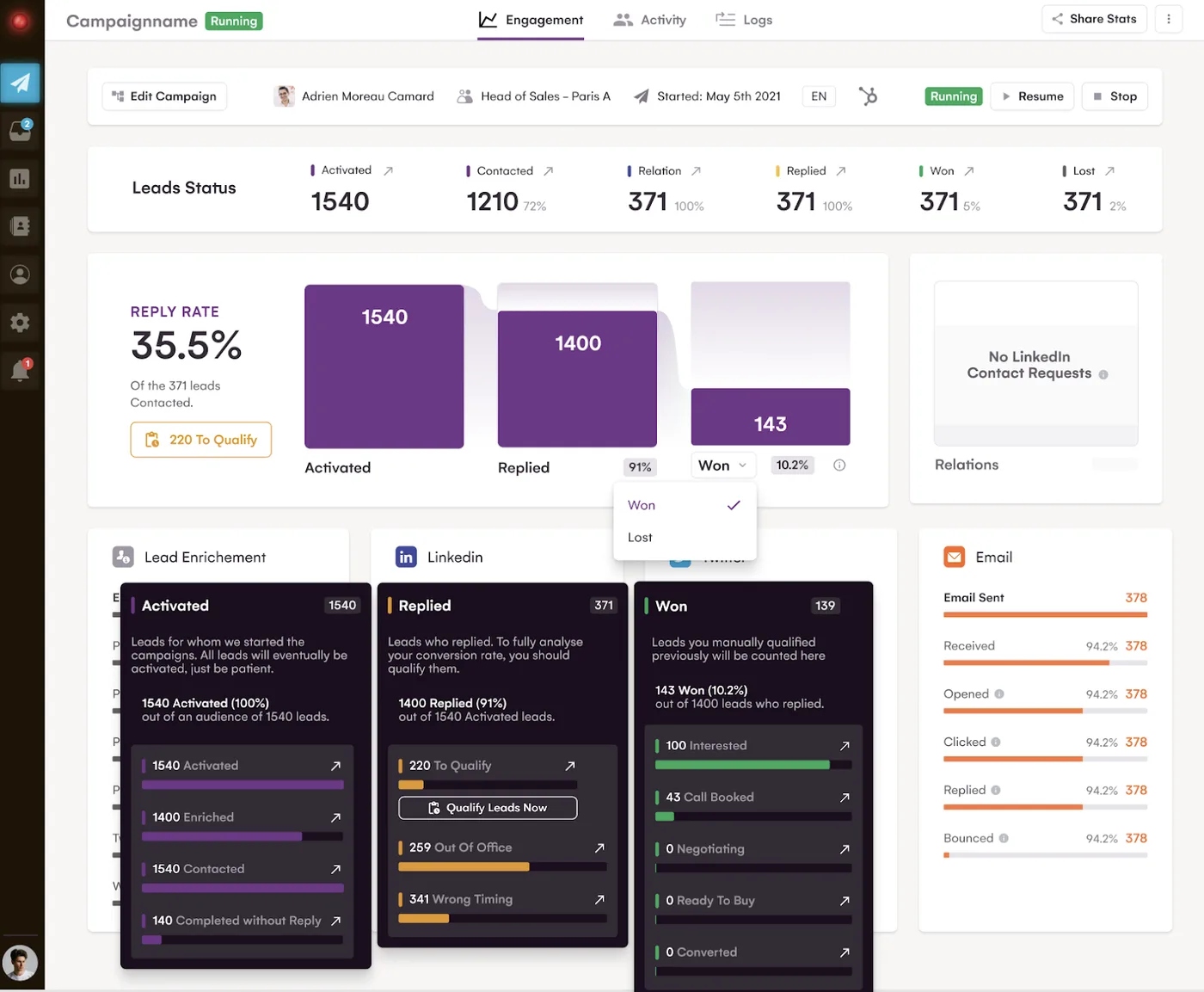
4.8/5 on G2, 4.9/5 on Capterra | "Built complex LinkedIn → Email → Twitter workflows we couldn't create anywhere else."
Key Features:
- Sophisticated multi-channel logic (LinkedIn + email + Twitter)
- AI-generated messages for each channel
- Unified inbox across all channels
- Native HubSpot and Pipedrive integrations
Who it's for: Growth teams and agencies that need the most advanced multi-channel automation and complex conditional logic.
Pricing: Starting at €60/month (Ultimate plan €180/month for full features)
Bottom line: La Growth Machine appears twice because it's the most sophisticated multi-channel tool available. If you need complex workflows across LinkedIn, email, and social, this is worth the premium pricing.
How to Choose the Right LinkedIn Automation Tool
Budget: Tools range from $10/month (Octopus CRM) to $200+/month (Zopto, Expandi). Start with your budget, then filter by features you actually need.
Safety: Cloud-based tools with dedicated IPs are safer than browser extensions. Look for human-like delays, daily limit controls, and positive reviews about account safety.
Features: Match features to your use case:
- Solo prospecting? → Budget tools (Dux-Soup, Octopus CRM)
- Agency with multiple accounts? → HeyReach, Waalaxy
- Need data extraction? → Evaboot, Phantombuster
- Multi-channel campaigns? → Lemlist, La Growth Machine
Integrations: Make sure the tool connects to your CRM (HubSpot, Salesforce, Pipedrive) and other tools in your stack.
The Bottom Line
For solo users on a budget: Start with Octopus CRM ($9.99/month) or Dux-Soup ($14.99/month). Both offer solid automation without breaking the bank.
For small sales teams: HeyReach ($79/month) or We-Connect ($49/month) deliver cloud-based safety with team features at reasonable pricing.
For agencies managing multiple accounts: HeyReach is purpose-built for multi-account management and worth every penny. La Growth Machine is runner-up if you need advanced multi-channel workflows.
For data extraction: Evaboot ($29/month) if you're exporting Sales Navigator lists. Phantombuster ($69/month) if you need flexibility across multiple platforms.
For multi-channel campaigns: Lemlist ($59/month) balances LinkedIn + email automation with industry-leading personalization features.
The right tool depends on your specific use case, but one principle applies across the board: even the best automation hits per-account limits. Agencies and high-volume teams scale by distributing outreach across multiple LinkedIn profiles, turning 100 weekly requests per account into 1,000+ when running 10 profiles in parallel.
**All ratings verified: G2 and Capterra as of November 2025
Frequently Asked Questions
Are LinkedIn automation tools safe to use in 2026?
Cloud-based tools with proper safety features (dedicated IPs, human-like delays, daily limits) are significantly safer than browser extensions. That said, LinkedIn's terms technically prohibit automation. The safest approach combines conservative daily limits with high-quality targeting and personalized messaging that generates genuine engagement.
How many connection requests can I safely send per week?
Most experts recommend staying under 100 connection requests per week per account. Cloud-based tools with dedicated IPs can sometimes push higher, but conservative limits = safer accounts. If you need more volume, distribute across multiple LinkedIn profiles.
What's the difference between cloud-based and browser-based automation?
Cloud-based tools run on remote servers (campaigns continue 24/7, safer detection), while browser-based tools (Chrome extensions or desktop apps) require your computer to stay on and are easier for LinkedIn to detect. Cloud = safer and more convenient, but typically costs more.
Can I automate LinkedIn without Sales Navigator?
Yes. Most tools work with regular LinkedIn accounts. However, Sales Navigator unlocks advanced search filters that dramatically improve targeting quality, making it worth the investment for serious prospecting.
Will using automation get my LinkedIn account banned?
It's possible if you use aggressive settings or poorly-designed tools. To minimize risk: use cloud-based tools with safety features, stay under 100 weekly connection requests, personalize your messages, and target quality over quantity. Accounts that generate genuine engagement are less likely to be flagged.